 BankLink
Join Android Beta Testing
Help us improve BankLink by testing the app before public release.
It takes just a couple of minutes to set up.
Join the testers group
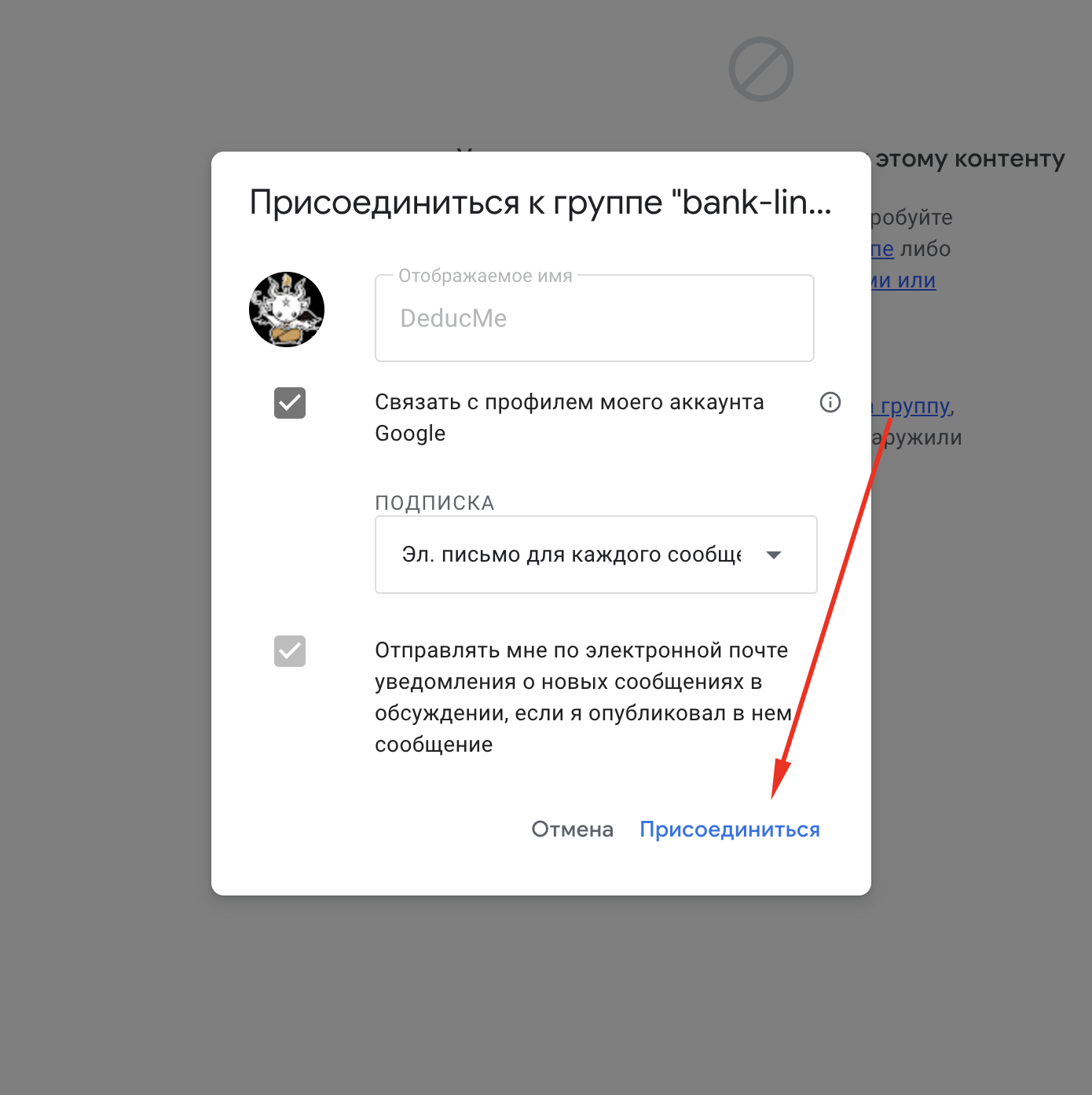
Open the Google Group link below and click "Join group" (or "Присоединиться"). You'll need to be signed in to your Google account.
Open Google Group →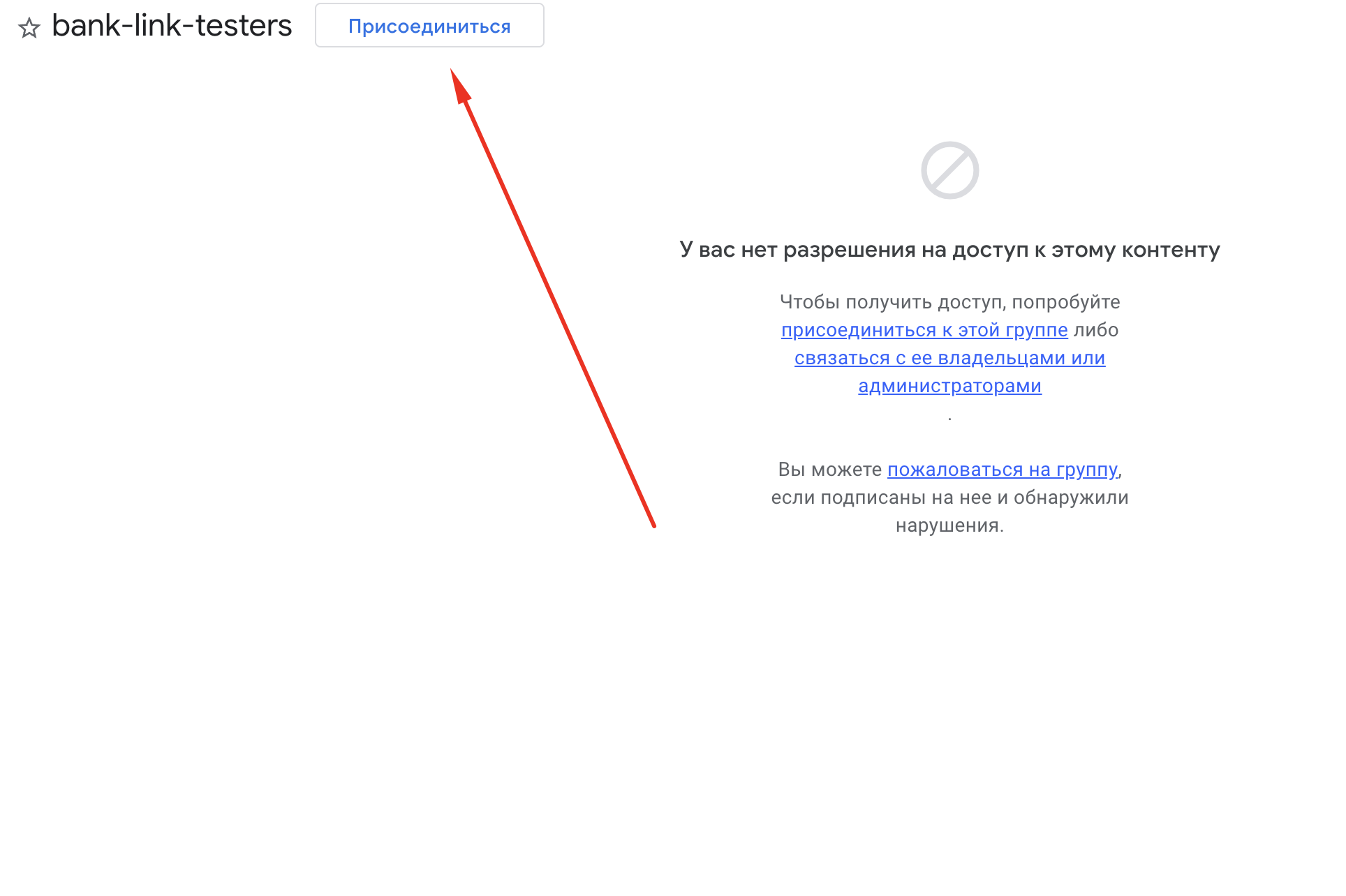
Open the message with the testing link
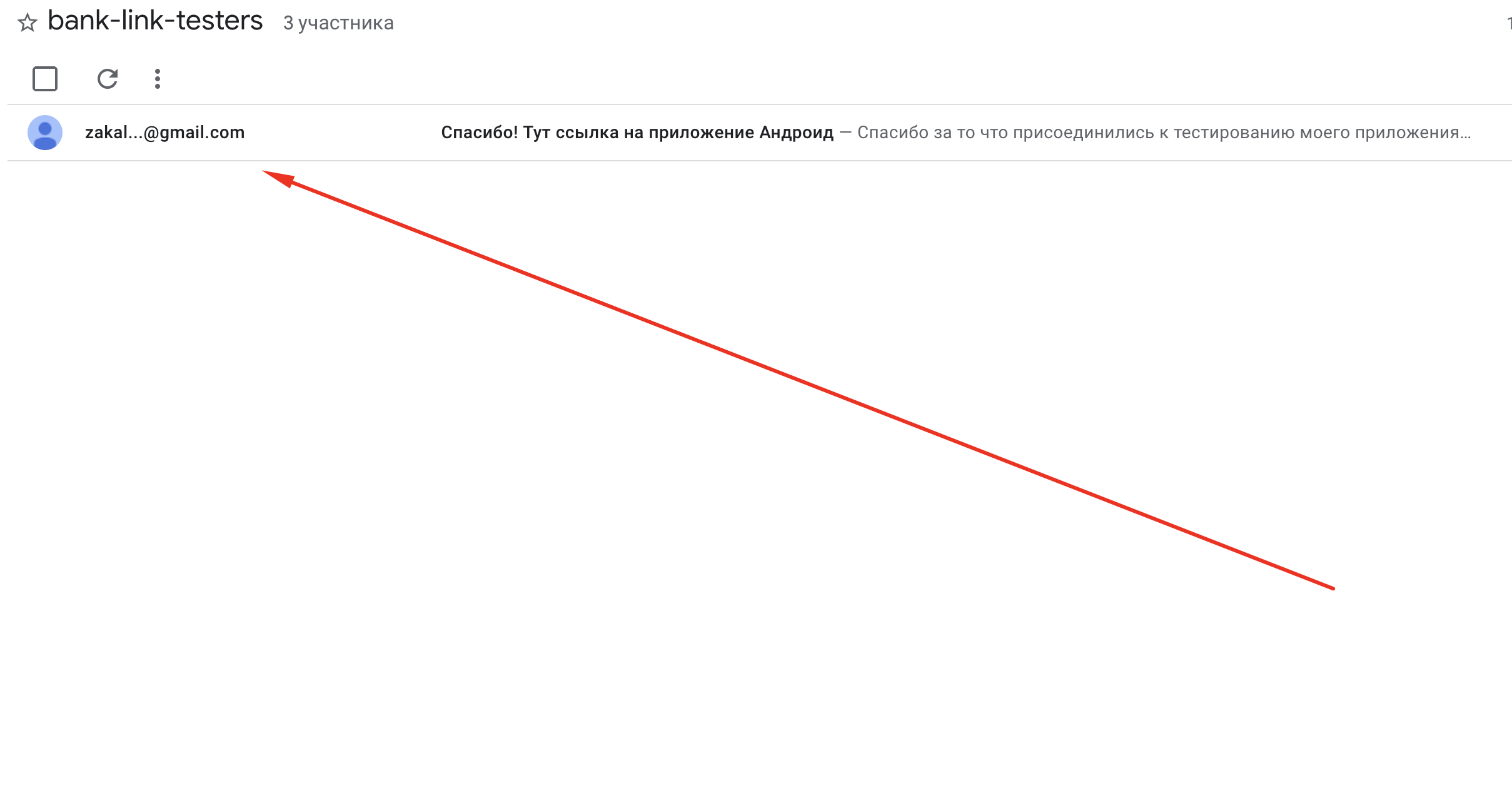
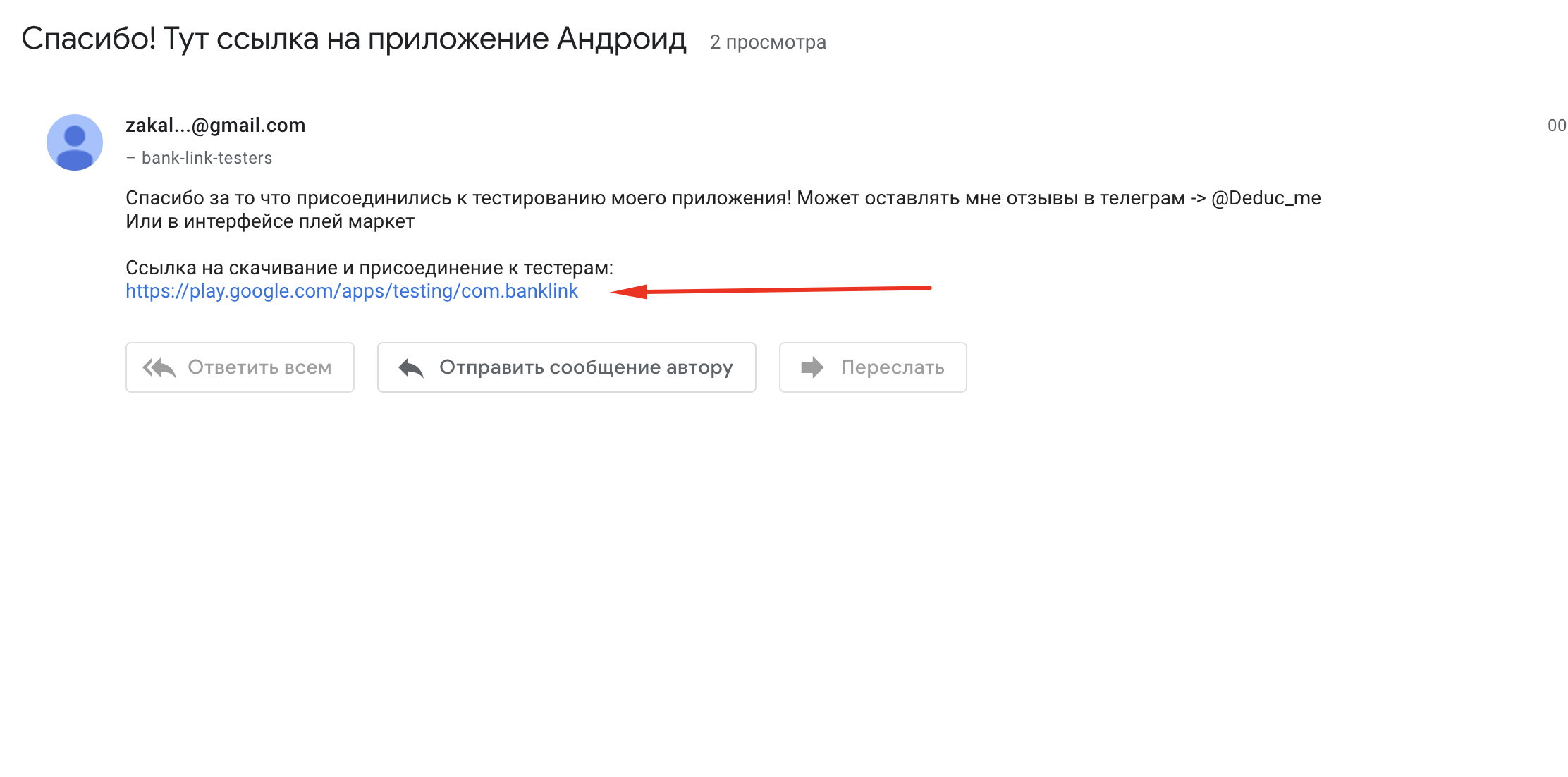
After joining, you'll see a message in the group. Click on it to open it and find the testing link inside.
Accept the testing invitation
After joining the group, open the testing link below. Click "Become a tester" to accept the invitation.
Open testing page →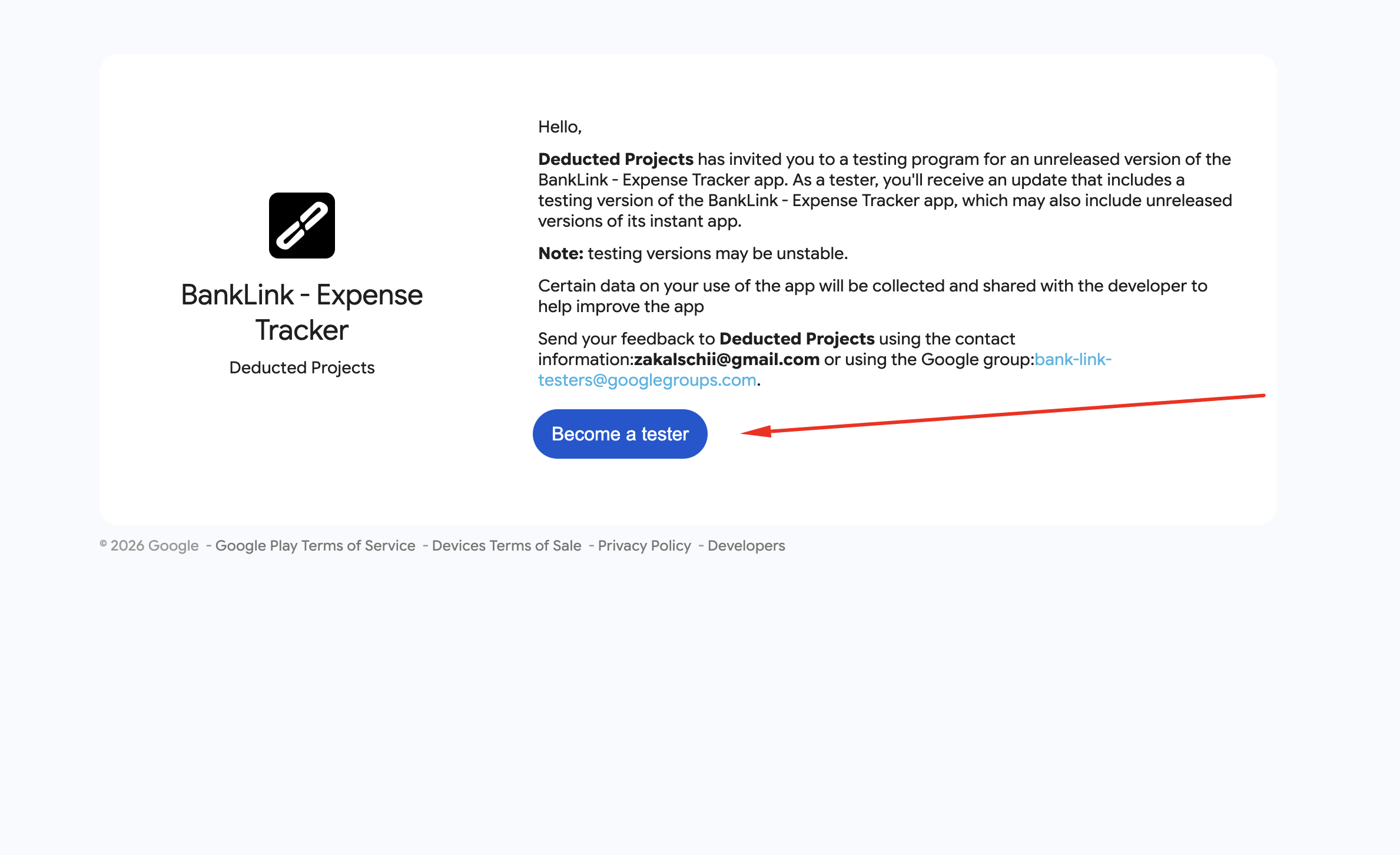
Download the app
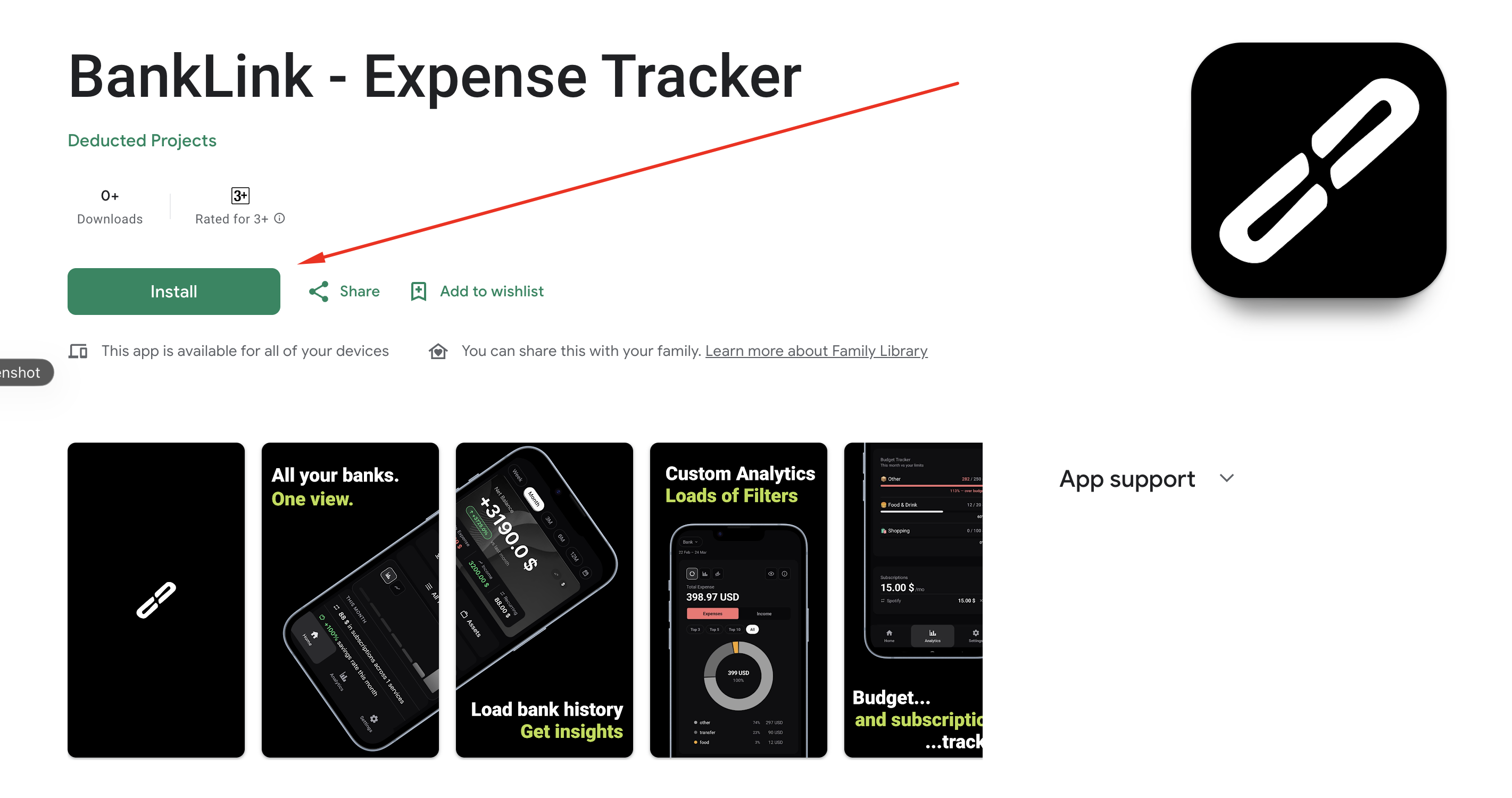
Once you've accepted the invitation, click "download it on Google Play" on the testing page, or use the button below. Then tap "Install".
Open in Google Play →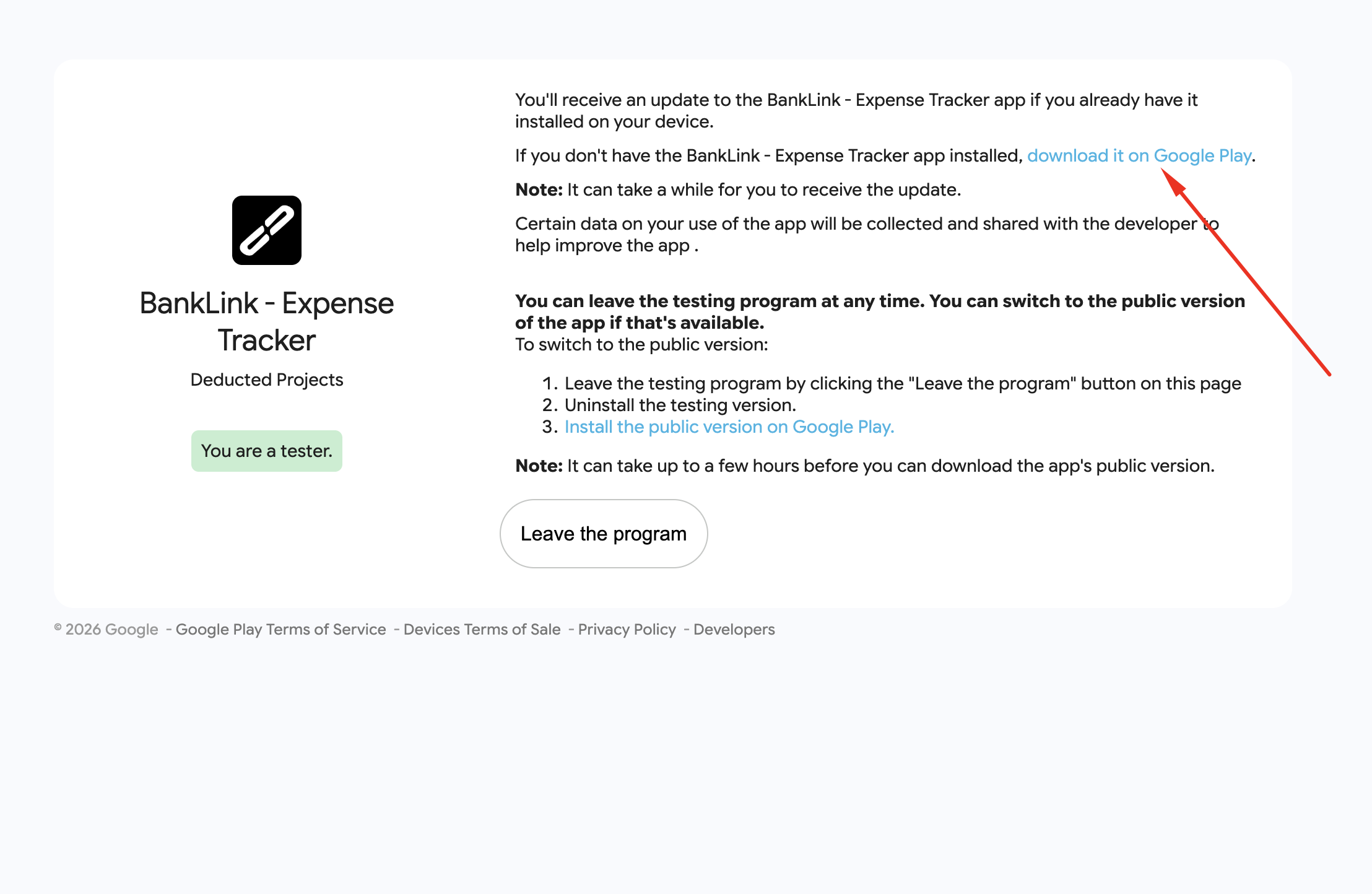
Feedback
Found a bug or have a suggestion?
Message me on Telegram: @Deduc_me
or leave a review in Google Play.